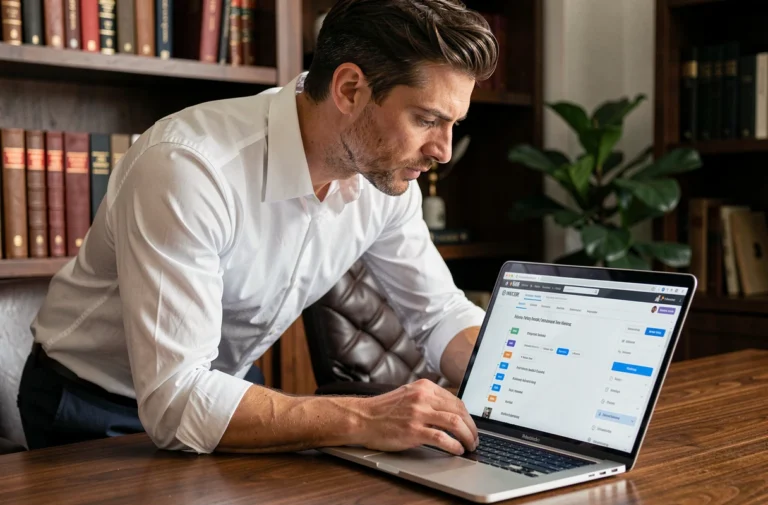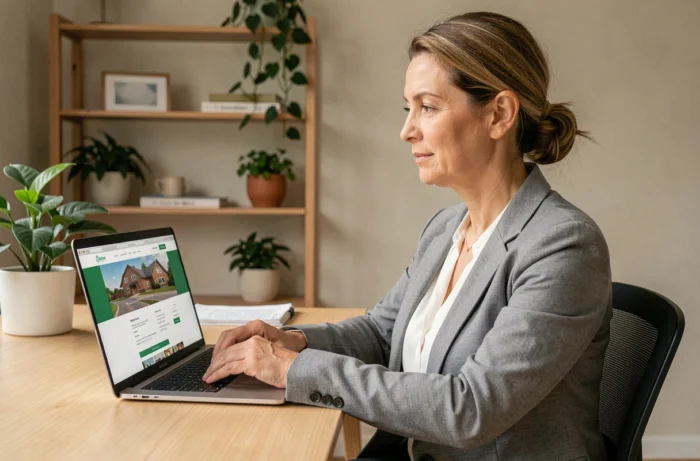
When we receive a funding call or a due date notice, we want to verify an amount, and we find ourselves searching for where to log in. The MyFoncia client area centralizes documents and services related to your property, but the initial setup often poses issues. Untraceable identifier, ignored double email validation, confusion between the old portal and the new interface: here’s how to navigate it effectively.
Automatic charge collection on MyFoncia: what online settings allow
Before even discussing login, one point deserves attention. In 2026, the MyFoncia space allows co-owners to directly set up automatic charge collection by entering their bank details in a secure form, without a paper mandate.
Specifically, this feature can be accessed from the payments section. You enter your IBAN, validate, and the funding calls are collected on the scheduled due dates. No need to send a bank account details by mail to the agency or wait for manual setup.
For landlords managing multiple units, this permanent setup prevents missed transfers. Feedback varies on the activation time (some report it being considered in the following quarter), but the procedure itself takes less than five minutes. If you’re looking to access my MyFoncia account to manage this type of operation, the payment section is accessible right from the main dashboard.
Lost or never received MyFoncia identifier: specific cases
The majority of login issues stem from confusion about the identifier. The first login identifier is not your email address. It is a code provided by your Foncia agency, and its location depends on your status.
- Landlord: the code is included in the management report sent by the agency, usually in a dedicated box at the top of the document.
- Co-owner: it appears on the quarterly funding call, again in a specific box.
- Tenant: it is included in the welcome email received upon signing the lease. If this email landed in spam or was deleted, you need to contact the agency’s customer service.
Once this code is entered on the login page, it is no longer reused. The system requires you to set your email as a permanent identifier, then create a password. After this step, the email is used for each login.
The trap of double email validation
The first login procedure involves two successive email validations. Many users click on the first confirmation link, think their account is active, and do not understand why they cannot log in afterward.
The first email confirms the creation of the space. The second validates the email address as a permanent identifier. Without this second validation, the account remains blocked. Make sure to check the junk folders for both messages.
MyFoncia mobile app or web portal: functional parity in 2026
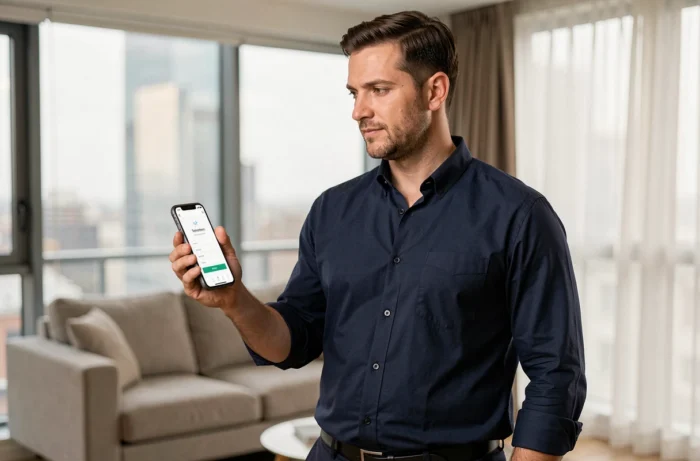
We are often asked whether it is better to use the app or the website. In 2026, Foncia strengthened the functional parity between the two. The MyFoncia app on iOS and Android almost replicates all the functions of the web portal: account consultation, document downloads, request tracking.
The choice mainly depends on usage. To download a batch of receipts or a detailed charge statement, the web portal remains more practical (wide screen, easier file management). To quickly check a balance or report an incident, the app is more responsive thanks to push notifications.
Notifications and responsiveness of the online property manager
The app sends alerts about new available documents, responses from the manager, and payment deadlines. This notification system has recently been expanded to cover more events related to property management.
Regarding integrated messaging, Foncia commits to a response time of under 48 hours for requests sent via the client area. Classic connection guides rarely mention this timeframe, which is nonetheless a useful benchmark for knowing when to follow up.
MyFoncia account security: official address and anti-phishing reflexes
The official login address is my-foncia.fonciamillenium.net. This domain name is surprising: it does not contain “foncia.com” and resembles a third-party site. However, it is the correct URL, inherited from Foncia’s technical infrastructure (Foncia Millenium being the technical name of the platform).
This domain choice creates a concrete problem. Phishing attempts circulate with addresses that mimic “foncia.com” and appear more credible than the actual address. To avoid any mistakes:
- Never click on a login link received via SMS. Foncia does not ask you to log in via SMS.
- Check that the URL in the address bar contains “fonciamillenium.net” and not a variant.
- Never share your password via email, even if the message seems to come from your agency.
Type the address manually or use a saved favorite to access your space. This is the most reliable way to avoid fraudulent pages.
Password: what really blocks
The MyFoncia password must meet strict criteria that are not always clearly displayed during creation. If your password is rejected without an explicit error message, try a combination of at least eight characters including uppercase, lowercase, number, and special character. User feedback often points to this step as a source of frustration.
Managing your property via MyFoncia becomes smoother once the account is correctly set up. Automatic charge collection, downloading accounting documents, and messaging with the manager cover almost all common needs, whether you are a tenant, co-owner, or landlord.